How to activate Windows 10 and 11 free of charge without a key using the KMSAuto activator
KMSAuto is an automatic activator for Microsoft products (Windows and Office) that emulates a corporate KMS server right on the user's own machine. It installs a GVLK key (the volume key used by KMS clients) and «fools» Windows into believing it is talking to an organisation's licence server.
What KMSAuto activates:
-
Windows: 11, 10, 8, 7 - every edition (Home, Pro, Enterprise, Education)
-
Microsoft Office: 2016, 2019, 2021
KMSAuto - free Windows activation
An activator that emulates a local KMS server and activates Windows 10, 11 and Office without buying a key. The process is fully automatic - barely any work for the user.
Step by step
A
Download the activator
1
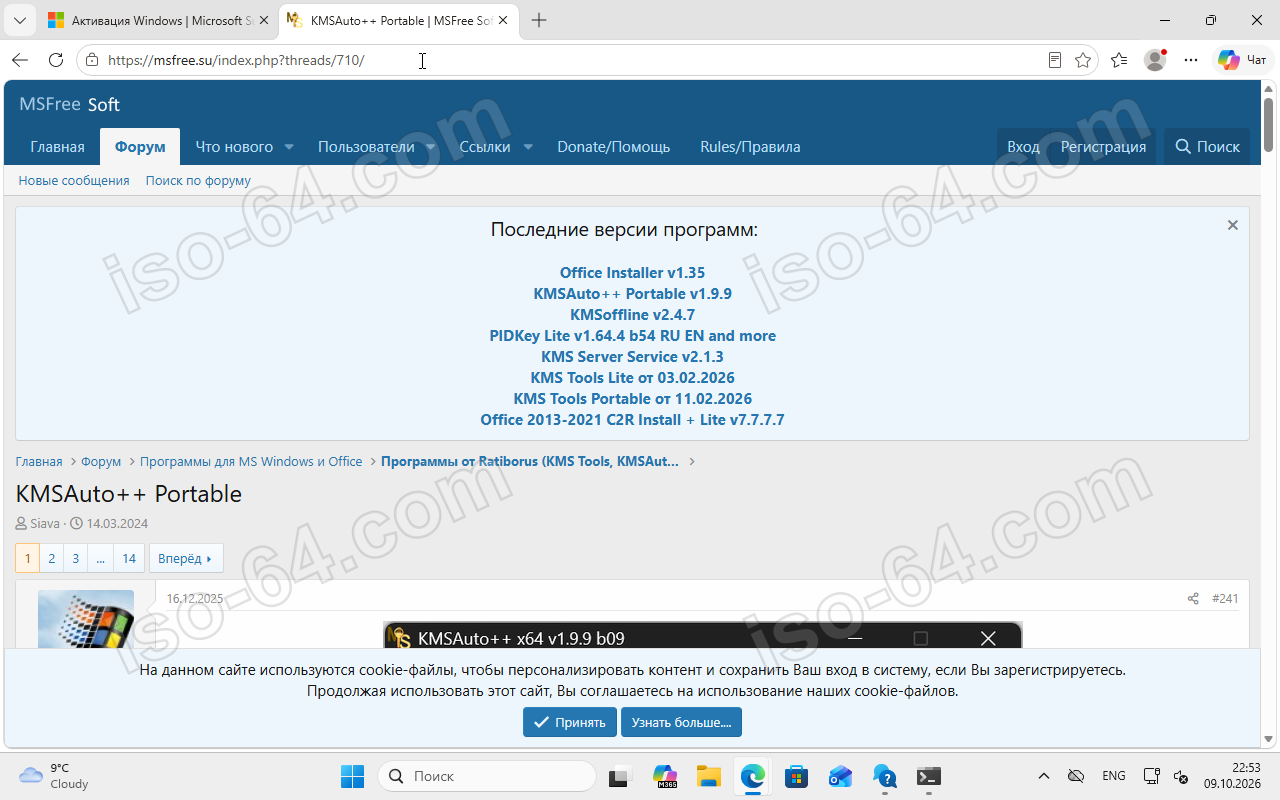
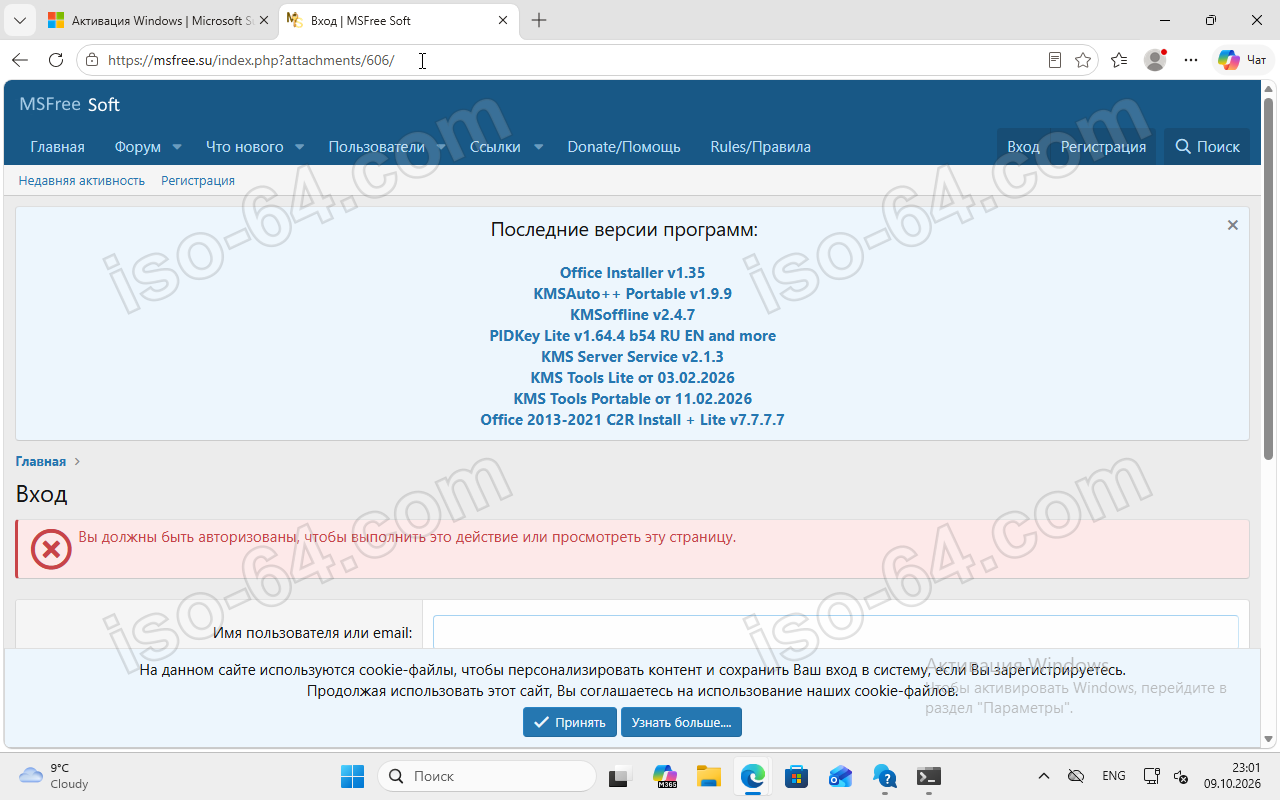
Sources named in the original guide: msfree.su, rsload.net or activators.pro. The saved frame has the «KMSAuto++ Portable» thread open on MSFree; its attachment demands a login. Neither the download nor the program's current version was confirmed in this run.
B
Turn the antivirus off
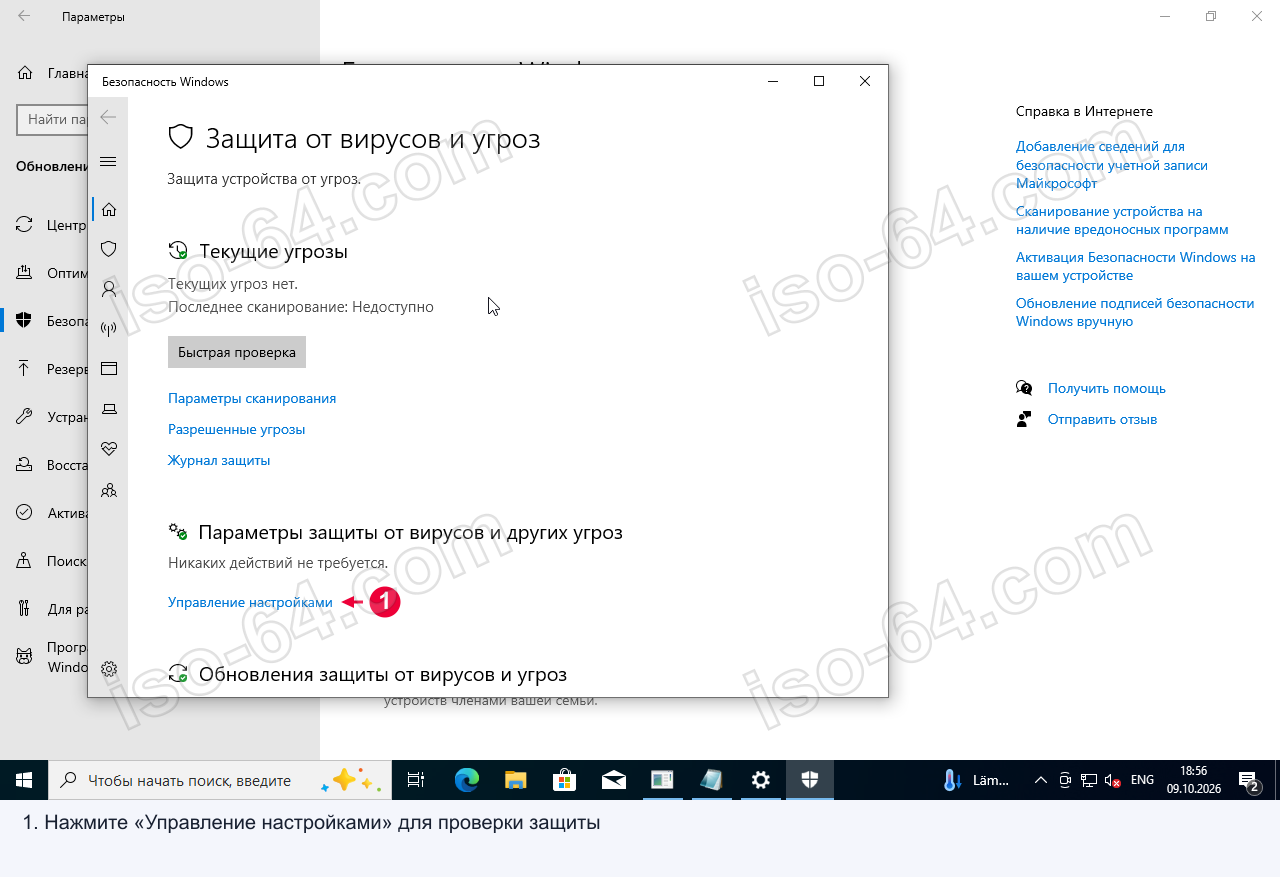
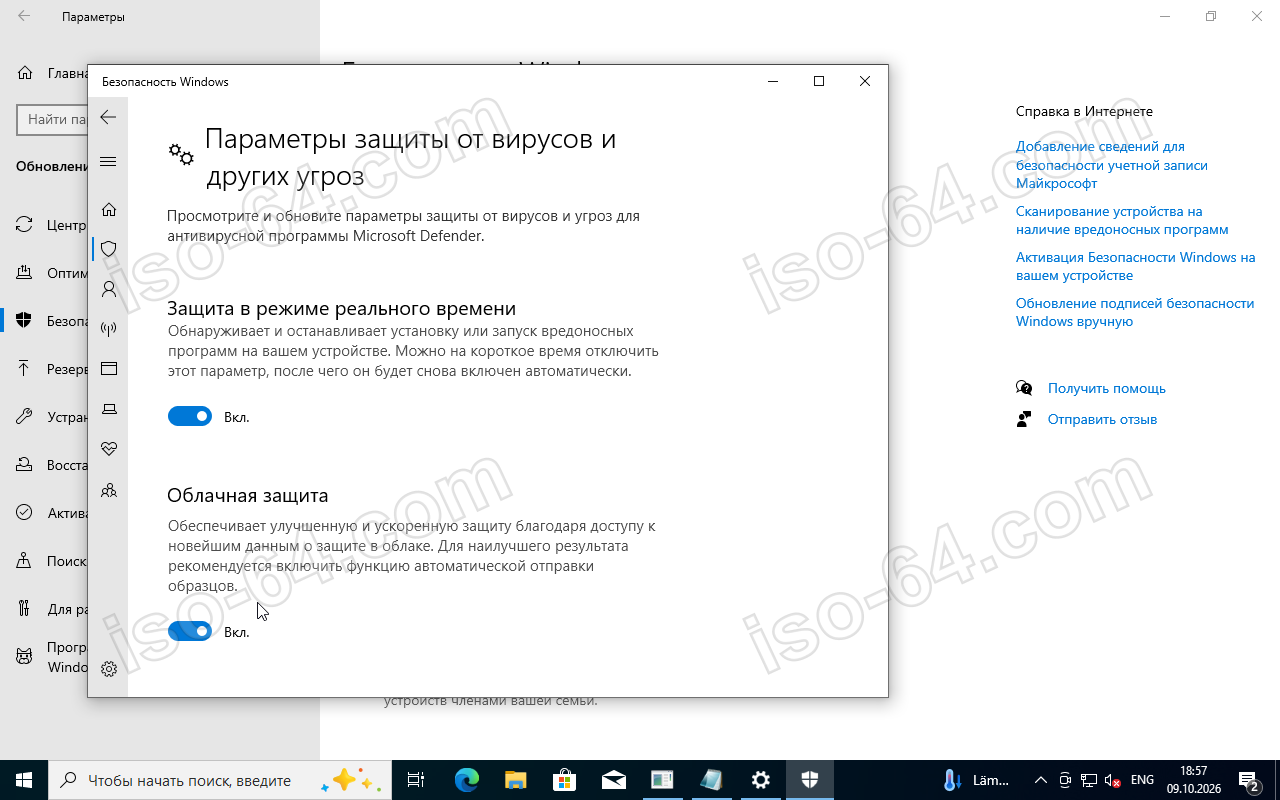
The frames below show protection being checked while it is switched on. They confirm neither that the activator was launched, nor that the antivirus was disabled, nor any activation result.
1
Open «Windows Security → Virus & threat protection → Manage settings». In the frame, «Real-time protection» and «Cloud-delivered protection» are on. Protection was never paused: the program file from the source shown was not obtained.
2
If a third-party antivirus is installed, pause it too from the system tray
C
Activate Windows
1
Open the folder holding the downloaded activator - the archive may ask for a password (it is given on the download page)
2
Run
KMSAuto++.exe as administrator3
In the program window press KMSAuto++ and choose what to activate: Activate Windows or Activate Office
4
The original sequence calls for a «Yes» confirmation and then a check of the result. In the saved run the application was never launched, so no success message was captured.
5
If you did switch protection off earlier, turn it back on and check its state. The sample above already reads «On». To check activation: Win + I → «System → Activation» on Windows 11; «Update & Security → Activation» on Windows 10. The separate Windows 11 frame shows «Not active».
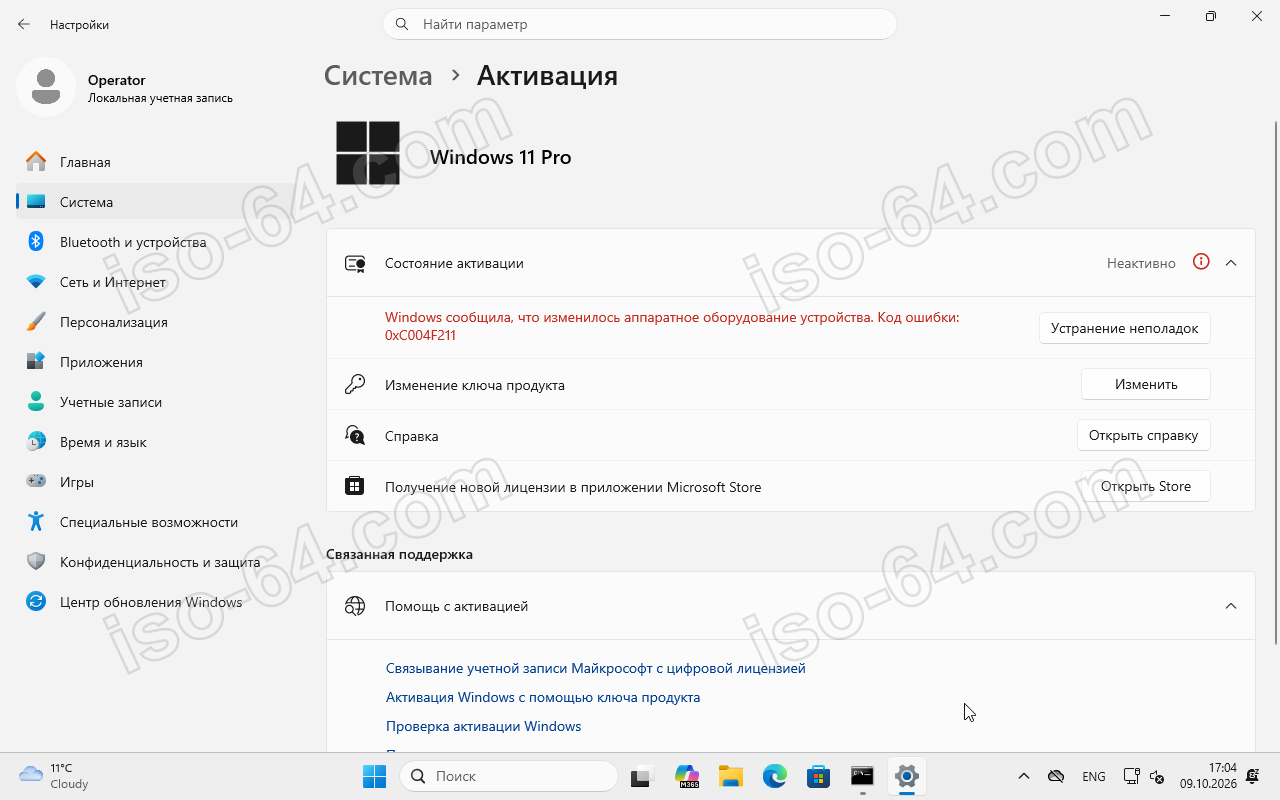
There are no new captures of the KMSAuto interface: the program was not run. Older illustrations are not presented as the result of this run.
Advantages and drawbacks
Pros
A fully automatic process - barely any steps
Activates both Windows and Office in one tool
Needs no internet - the emulation is local
A scheduled task renews the activation automatically
Cons
Every antivirus flags it - protection has to come off for a while
Activation lasts 180 days rather than for ever - unlike an HWID licence
Major Windows 11 updates can drop the activation - you have to activate again
Breaches the Microsoft licence agreement (EULA)
Other activation methods
If you do have a licence, use an official method.
Write comment
Comments: 0