Contacting Microsoft support to restore Windows activation
Getting in touch with Microsoft support is a method that genuinely works for recovering a legitimate licence once every automatic option has failed. An agent can reset the licence binding on Microsoft's side and hand you a fresh confirmation code.
Recovering a Windows licence with Microsoft support
When the automatic routes have failed but your licence is legitimate, a Microsoft agent can reinstate activation by hand. Expect to wait and to show proof of purchase, though this path copes even with unusual cases.
The situation in Russia, 2025–2026
Whether the chat is reachable from Russia was not tested in this run
The saved captures show public help pages and pre-login windows on a separate server. They prove neither that an agent conversation is reachable from Russia nor that it is blocked.
1
VPN with a European or US address
No VPN connection was tried or captured here. The frames below come from a separate test server; they do not show whether the chat opens from a Russian IP or what a VPN changes.
2
Microsoft Q&A
Opening
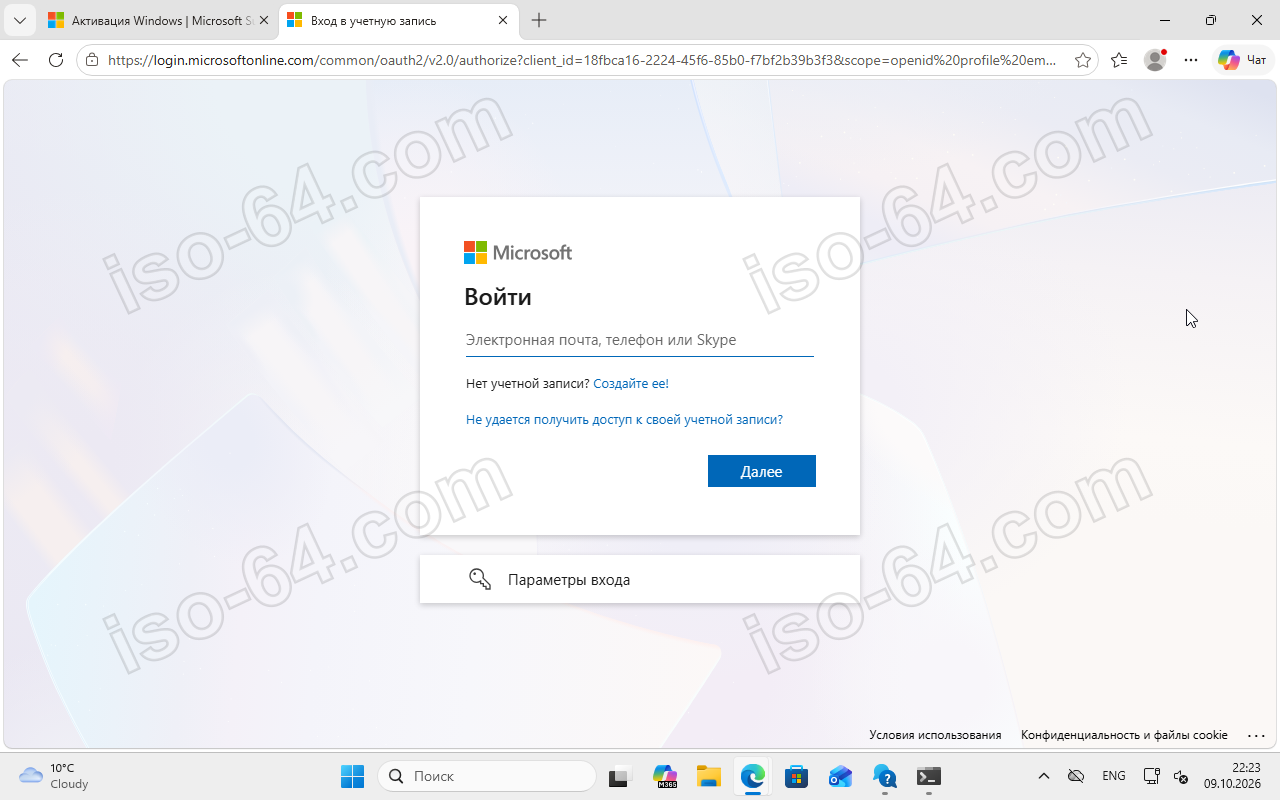
answers.microsoft.com led us to Microsoft Q&A at learn.microsoft.com/answers/. Click «Ask a question»; in our example a «Sign in» prompt came next. No account was entered and nothing was posted. Keep in mind it is a community forum, not a support ticket with an agent.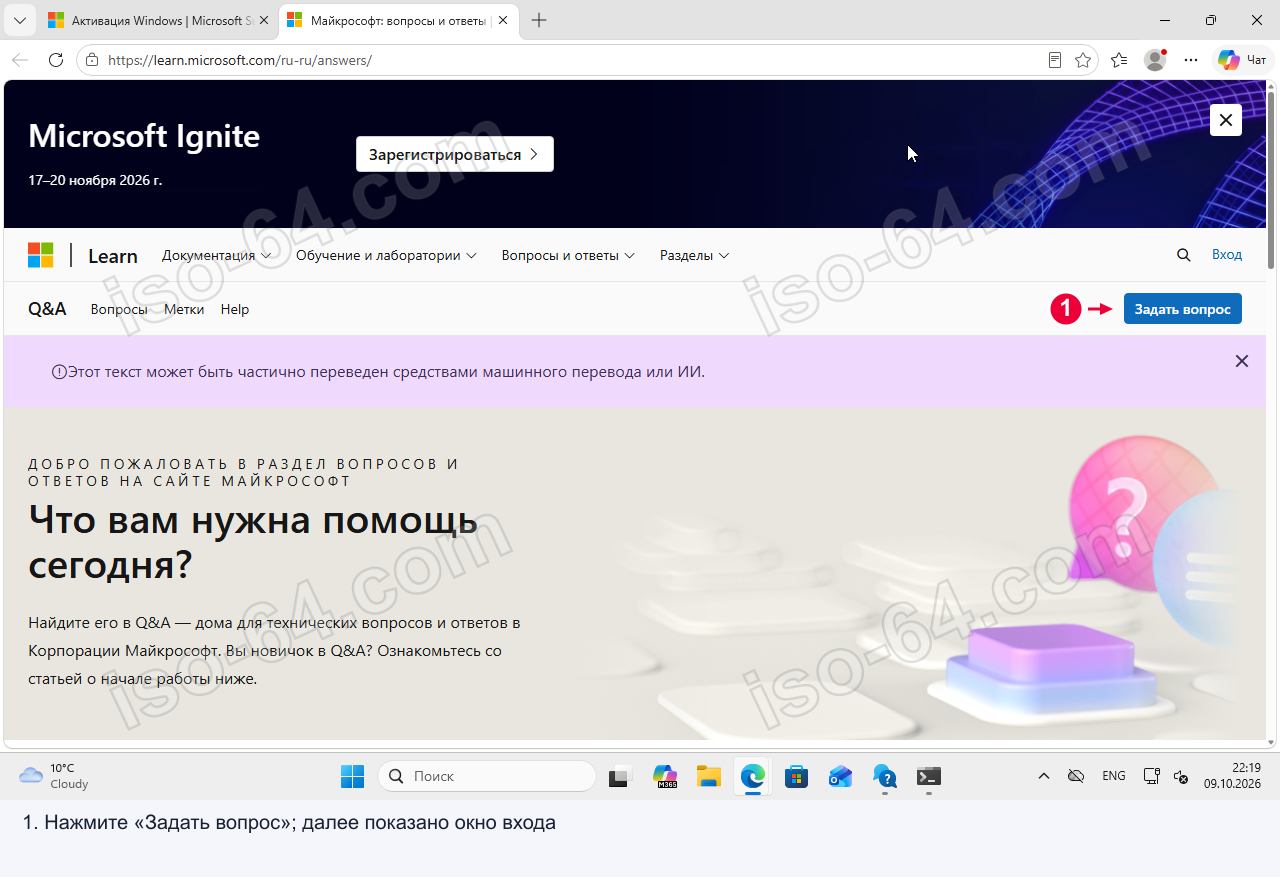
3
Testing the aka.ms/contactoxo link
In our capture
aka.ms/contactoxo bounced to Bing carrying shorturl=contactoxo, and no form appeared. Use the official contact page listed above instead; this result proves neither that a form exists nor that restrictions can be sidestepped.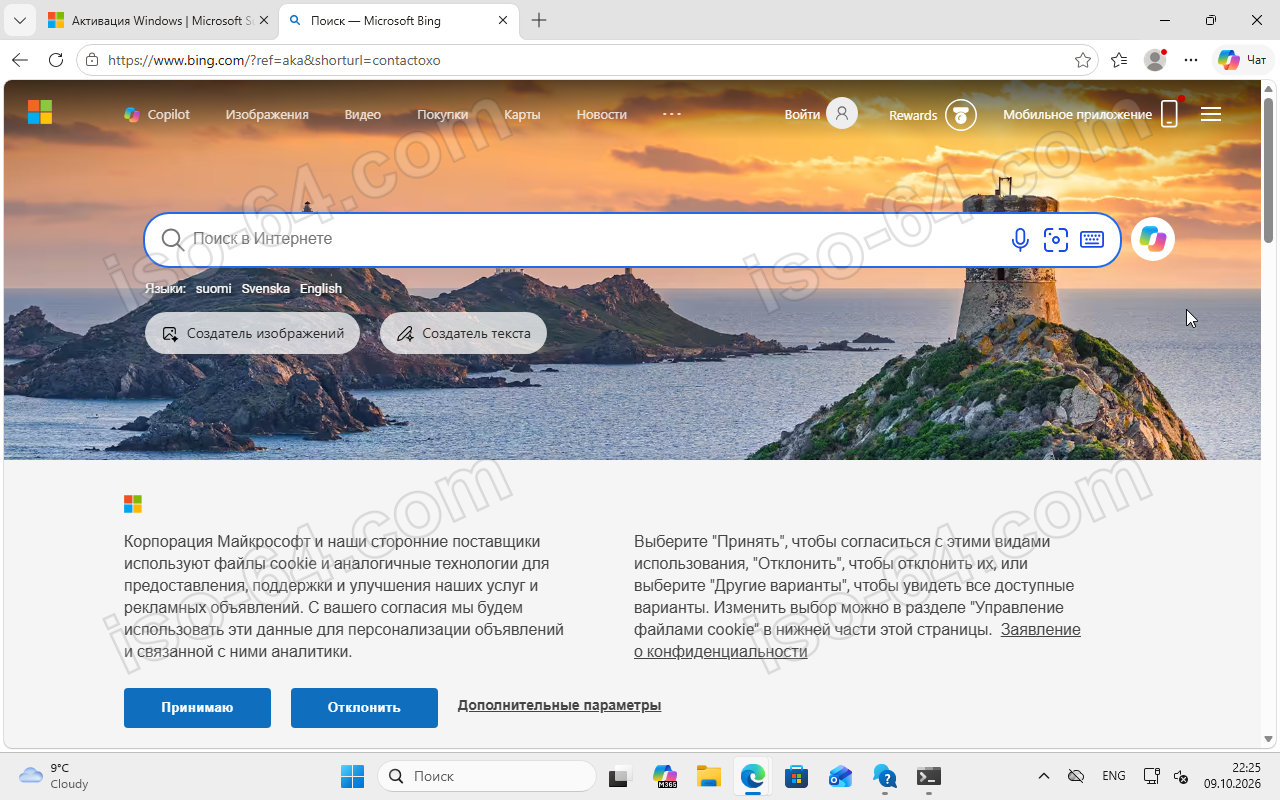
How to reach them properly
1
With the Get Help app
1
On the Windows 11 sample, press
Win + I and go to System → Activation. In the «Get help» row choose «Open Get Help». Pressing it does not guarantee a live person; Windows in the frame is unactivated.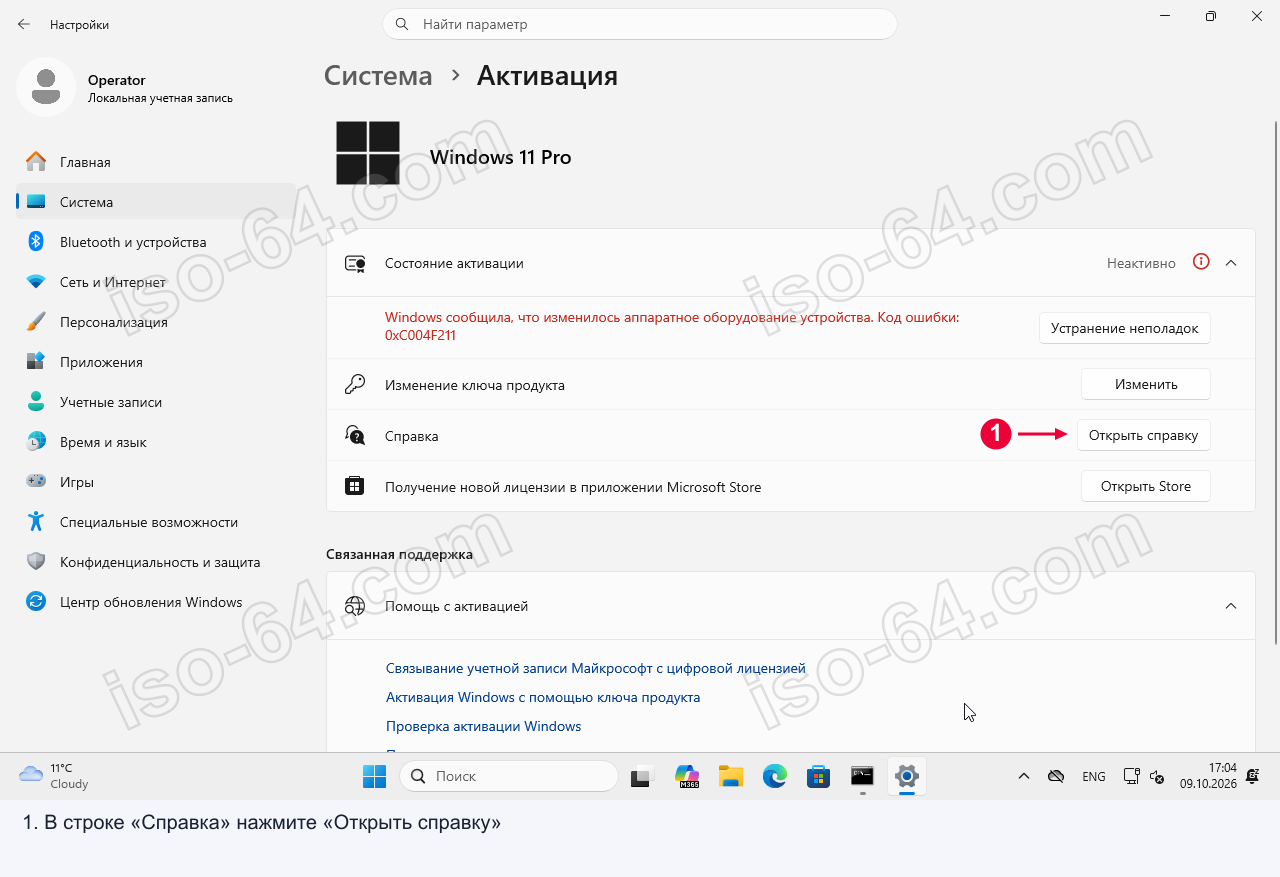
2
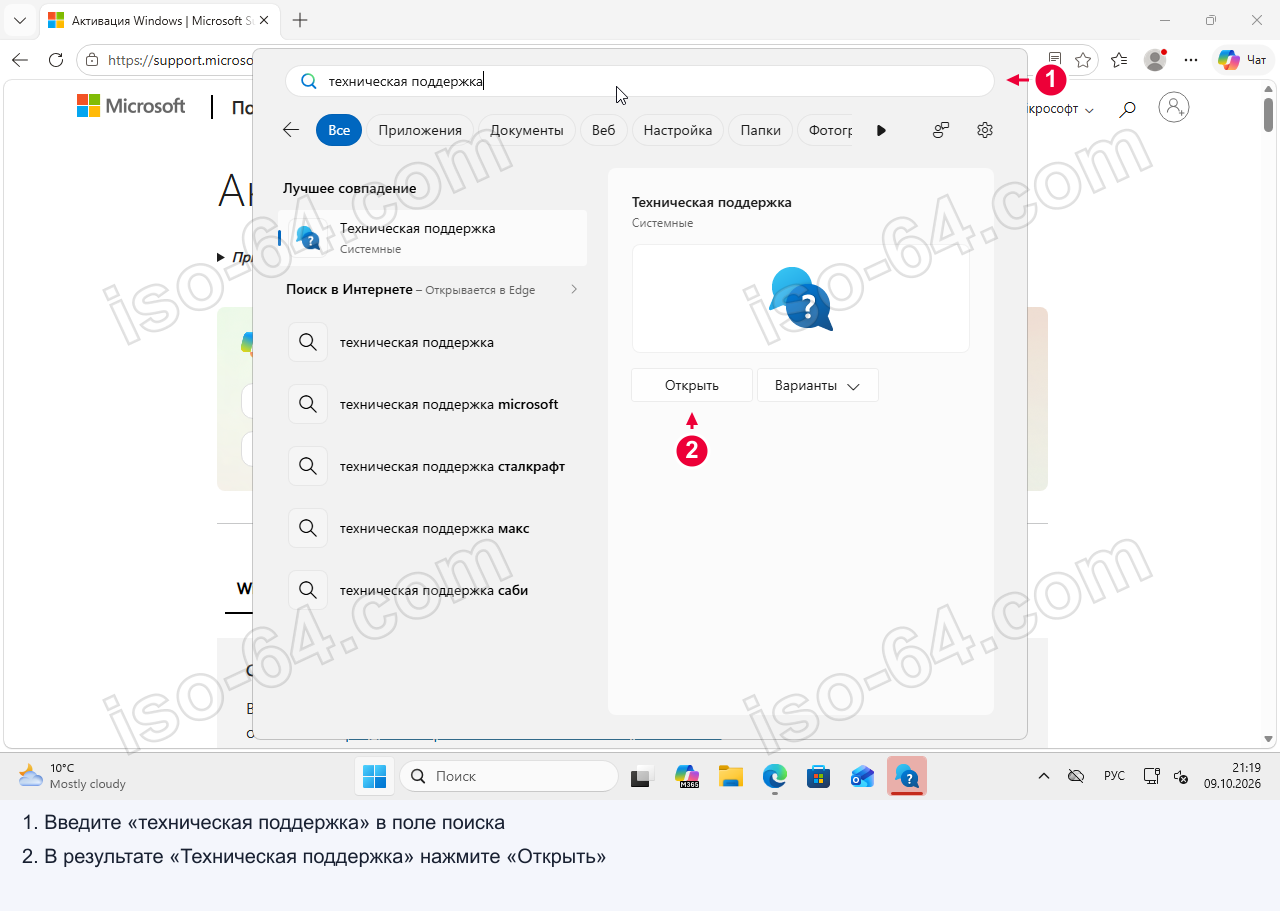
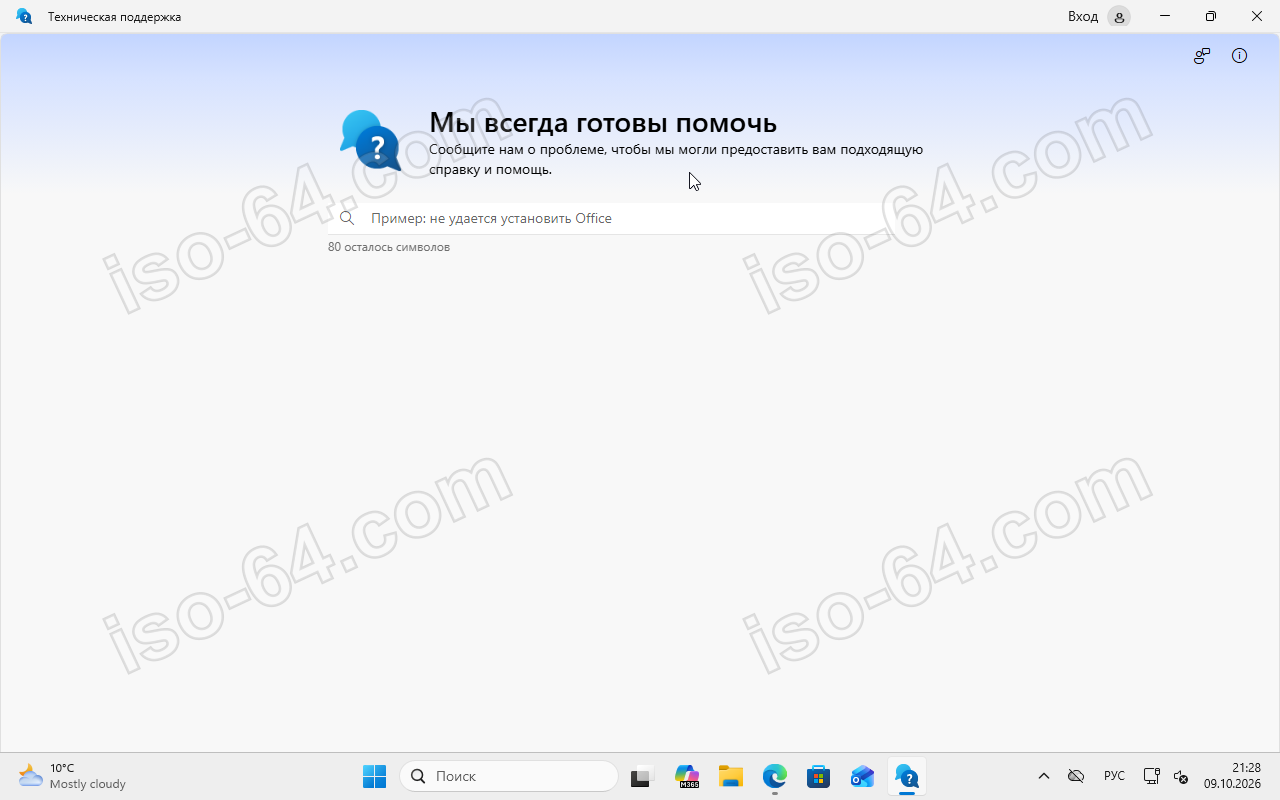
Alternatively, type «get help» into Windows search and pick «Open» on the matching app. It shows an empty box for describing the issue and a «Sign in» button. We did not sign in, file a request or talk to anyone.
2
On the support site
1
The frame has the official «Activate Windows» article open on
support.microsoft.com, without a chat. To get in touch, go to Microsoft support's contact page, sign in and pick the matching product. Which help options appear depends on the request; a connection to an agent was not captured.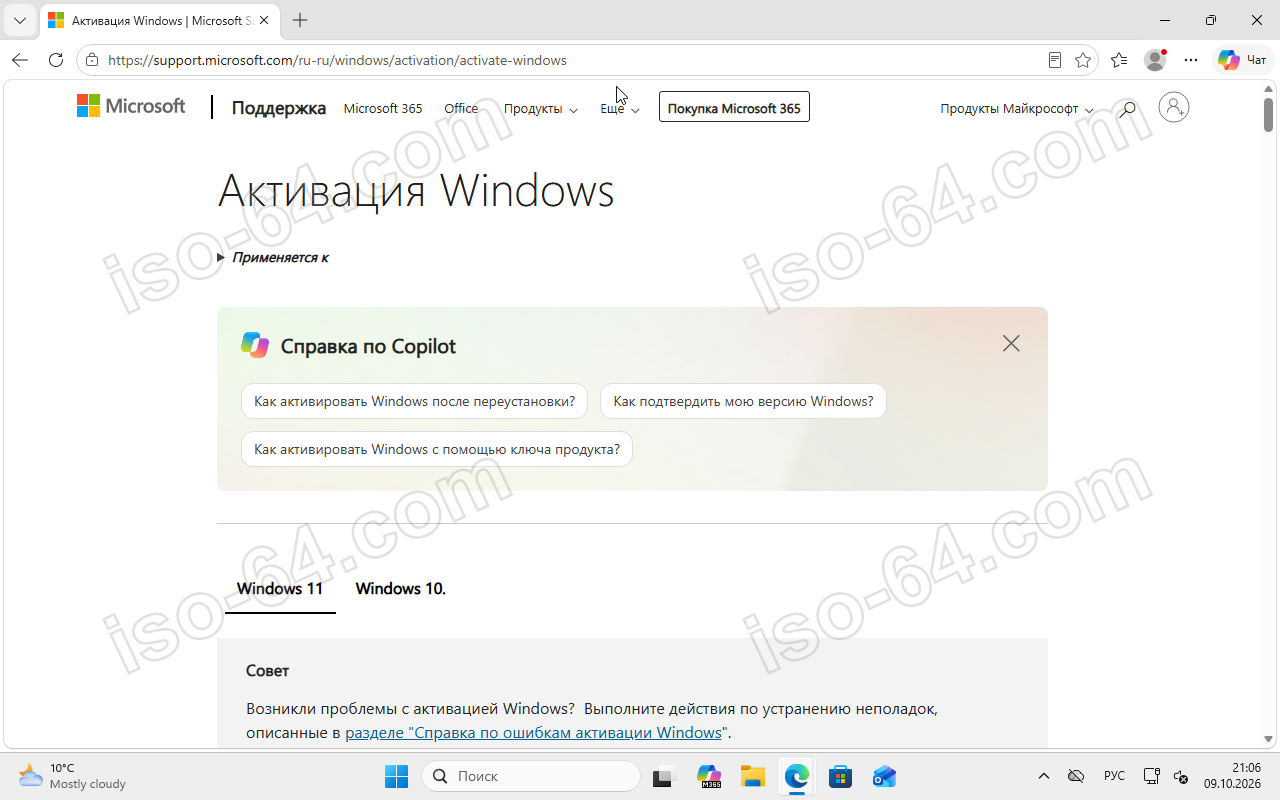
Choose the topic that fits your problem
Name the Windows product, the activation error and the relevant category. Agent response time and topic routing were not tested here; there is no basis for choosing an unrelated topic in the hope of faster service.
When support truly helps
Helps
Motherboard replacement
Especially if the new board is the same model (a repair) and the troubleshooter failed. After swapping in an identical model because of a fault, support usually allows reactivation.
Helps
Lost access to the Microsoft account
The one your digital licence was attached to. With a receipt or other proof of purchase, support can move the licence to a new account.
Helps
Unexplained activation errors
Codes such as
0xC004F211, 0x803F7001 or 0xC004C008 appearing after updates or a reinstall - if the troubleshooter did nothing, an agent restores activation manually.
It depends
OEM licence when the board is a different model
On paper an OEM key belongs to the hardware and cannot move. A warranty repair with an identical board is treated as an exception. Fit a different model as an upgrade, though, and Microsoft regards it as a new computer - the OEM licence stays behind.
Identical board (repair) ≠ upgrade
A faulty board replaced by the same model - support permits reactivation. A different model - Microsoft officially counts it as a new PC, and the OEM licence does not transfer.
What to prepare before contacting them
Without supporting documents your odds drop considerably.
Receipt or proof of purchase - the order email, a Microsoft Store screenshot, the box with the key
Product key - if you have one: a retail key or the COA sticker on the case
A screenshot showing the activation error code
Old and new motherboard models - when hardware was replaced
The Microsoft account the licence was attached to
Real cases
| Situation | Outcome |
|---|---|
| OEM Win 10 Home, motherboard swapped for another model | Success The agent issued a new key, citing a «repair» |
| Retail licence lost after an update, troubleshooter failed | Success The agent restored activation manually in 20 min. |
| Motherboard swap, Microsoft account attached in advance | Success The troubleshooter handled it alone, no support needed |
| No access to the old Microsoft account, receipt available | Success Support moved the licence to a new account |
| OEM sticker (Win 7 COA), board upgrade | Refused OEM does not transfer on an upgrade |
Other activation methods
Contacting support not your case? Pick another method.
Write comment
Comments: 0